Asana acquires StackAI — now every human-agent workflow runs in one place.Learn more
Agile project plan template
Use a reusable sprint planning template to organize work faster, update processes as priorities change, and coordinate your team during every sprint.
Create your templateSign up to create your own template.
INTEGRATED FEATURES
Recommended apps




Summary
When your projects involve evolving requirements and fast-moving teams, a traditional linear approach can slow you down. The Agile methodology helps teams iterate quickly, respond to change, and stay focused on customer needs.
An Agile project plan template lets you bring flexibility to each new project without having to start over every time. In this guide, you'll find out what Agile planning is, how to make your own template, and how digital tools can make the process easier for your team.
![[Product UI] Sprint plans project in Asana (Boards)](https://assets.asana.biz/transform/9d21e8c7-9627-42eb-bda4-ac321d42c821/engineering-kanban-view?io=transform:fill,width:2560&format=webp)
What is Agile planning?
Agile planning is an iterative approach to project management that breaks work into short cycles called sprints, so teams can deliver value incrementally and adjust priorities based on real feedback. Unlike traditional waterfall planning, where every phase must be completed in sequence, Agile planning encourages teams to review progress at the end of each sprint and adapt accordingly.
Agile planning usually has several layers, with each one adding more detail as you go from big-picture strategy to daily tasks:
Product roadmap: A high-level view of goals and milestones over time.
Release plan: The features and work included in each upcoming release.
Sprint plan: The specific tasks your team will complete during each sprint cycle.
What is an Agile project plan template?
An Agile project plan template is a reusable setup you can adjust for any future Agile project. It helps you plan faster and keeps your team's projects organized in the same way every time. Agile project plans are often organized in a Kanban board. In this format, a Kanban card represents a single task that needs to be completed and moves through different stages, represented by the columns on the Kanban board.
Create an Agile project plan templateWhat is Agile?
Agile is a common project management methodology that breaks large projects into smaller time increments, commonly called "sprints." Agile project management is an iterative process. This means that after each sprint or iteration, your team takes time for a sprint retrospective to reflect on how things can improve for the next sprint.
You can use your Agile project plan template for any Agile methodology, including lean project management, Kanban, and Scrum.
Benefits of using a digital Agile project plan template
A digital Agile project plan template saves time for project managers, product owners, and every team member involved in the project.
See your project in different ways. Product owners might prefer a Gantt chart view to spot dependencies quickly. Team members working on tasks may find it easier to use a Kanban board view.
Automate your data reporting. Some digital tools can create charts and graphs, like burndown charts, on their own. This saves project managers time and helps Agile teams see how much work is left before a sprint ends.
Work with your team in real time. With digital project management tools, you can always see the latest project schedule, tasks, and information—no more outdated documents or spreadsheets.
![[Product UI] Standup meeting project example (Boards)](https://assets.asana.biz/transform/6a904179-15f4-457a-ada9-f264e3e91697/inline-boards-standup-meeting-2x?io=transform:fill,width:2560&format=webp)
How to create an Agile project plan template
Agile project plan templates are often organized in one of two ways: a Kanban-style board or Gantt chart. The Kanban board is best for seeing which tasks are in specific stages, whereas a Gantt chart is better for tracking project progress in a more linear manner.
Before you make your Agile project plan template, review your current planning process. Figure out the stages your tasks go through, what details product owners or project managers need to see quickly, and what your team needs to finish each task.
Agile projects usually track work as it moves through stages, so you may want to set up your template by these steps. Here are the most common stages:
To Do (backlog): Tasks waiting to be started, often referred to as the product backlog.
In progress: Tasks currently being worked on. You can customize this stage to fit your workflow, for example, by adding columns for scoping, reviewing, and developing.
Done: Completed tasks ready for review or release.
![[Product UI] Work requests project example (Boards)](https://assets.asana.biz/transform/21435617-135c-46b0-8c0f-bc69ef6cae0c/Work-Requests-Template?io=transform:fill,width:2560&format=webp)
The next step in creating your Agile project plan template is identifying what information should go into each Kanban card, such as story points, start and end dates, and the responsible party. The best way to do that is with a Kanban card template.
Key components of an Agile project plan
A good Agile project plan has several layers, starting with big-picture strategy and moving down to daily tasks:
Project vision. This is the project's overarching goal. It defines what you're building, who it's for, and why it matters.
Product roadmap outlines high-level requirements and milestones over time. It gives stakeholders into what's planned and helps your team prioritize features or deliverables to focus on in each sprint.
Release plan. This breaks the roadmap into specific releases or rounds, each with clear goals and timelines. It helps you plan when finished work will be delivered to users.
Sprint plan. The sprint plan details the tasks your team will complete during each sprint, typically set during a sprint planning meeting. It includes task assignments, story points, and deadlines so everyone knows exactly what to focus on.
Adding these parts to your Agile project plan template gives your team a steady starting point for any project, regardless of its complexity.
Integrated features
Board View. Board View is a Kanban board-style view that displays your project's information in columns. Columns are typically organized by work status (like To Do, Doing, and Done), but you can adjust column titles depending on your project needs. Within each column, tasks are displayed as cards, with a variety of associated information, including task title, due date, and custom fields.
Reporting. Reporting in Asana translates project data into visual charts and digestible graphs. By reporting on work where work lives, you can reduce duplicative work and cut down on unnecessary app switching. And, because all of your team's work is already in Asana, you can pull data from any project or team to get an accurate picture of what's happening in one place.
Milestones. Milestones represent important project checkpoints. By setting milestones throughout your project, you can let your team members and project stakeholders know how you're pacing towards your goal. Use milestones as opportunities to celebrate the little wins on the path to the big project goal.
Dependencies. Mark a task as waiting on another task with task dependencies so you always know when your work is blocking someone else. When a predecessor task is completed or rescheduled, Asana automatically notifies the next assignee.
Recommended apps
Google Workplace. Attach files directly to tasks in Asana using the Google Workspace file picker, built into the Asana task pane. Easily attach any My Drive file with just a few clicks.
GitHub. Automatically sync GitHub pull request status updates to Asana tasks. Track pull request progress and improve cross-functional collaboration between technical and non-technical teams, all from within Asana.
Jira. Create connected workflows between technical and business teams and quickly create Jira issues from within Asana. This keeps handoffs seamless and gives both sides real-time visibility into the product development process.
ServiceNow. Automate task creation in Asana from ServiceNow tickets, giving IT and service teams cross-platform visibility into real-time status. This is especially useful when employee requests require actions outside ServiceNow, like hardware fulfillment or payroll questions.
What projects are best suited for Agile?
Agile is a good fit for projects with lots of change, complexity, or uncertainty. If your requirements change due to user feedback or market conditions, Agile lets you adapt without throwing off the whole project.
Here are a few types of projects where Agile tends to be the best fit:
Software development. Agile was originally designed for software teams, and it remains the standard for building and iterating on digital products.
Product launches. When you're developing a new product, requirements often evolve as you learn more about your customers. Agile helps you test early and adjust quickly.
Creative campaigns. Marketing and design teams can use Agile to manage campaigns in sprints, reviewing and refining work in short cycles.
Cross-functional initiatives. Projects with multiple teams benefit from Agile because it emphasizes teamwork and rapid feedback.
Start planning your Agile projects with Asana
An Agile project plan template takes the guesswork out of setting up your next project. With Asana, your team gets flexible views, built-in reporting, and real-time collaboration to manage sprints and backlogs in one place. Get started and see how Agile planning works in Asana.
Create an Agile project plan templateFrequently asked questions about Agile project plan templates
What are the 4 pillars of the Agile Manifesto?
What does an Agile project plan look like?
How do you create an Agile project plan template?
What is Agile?
How do I implement the Agile methodology for my team?
Should I use a digital Agile project plan template?
Related templates
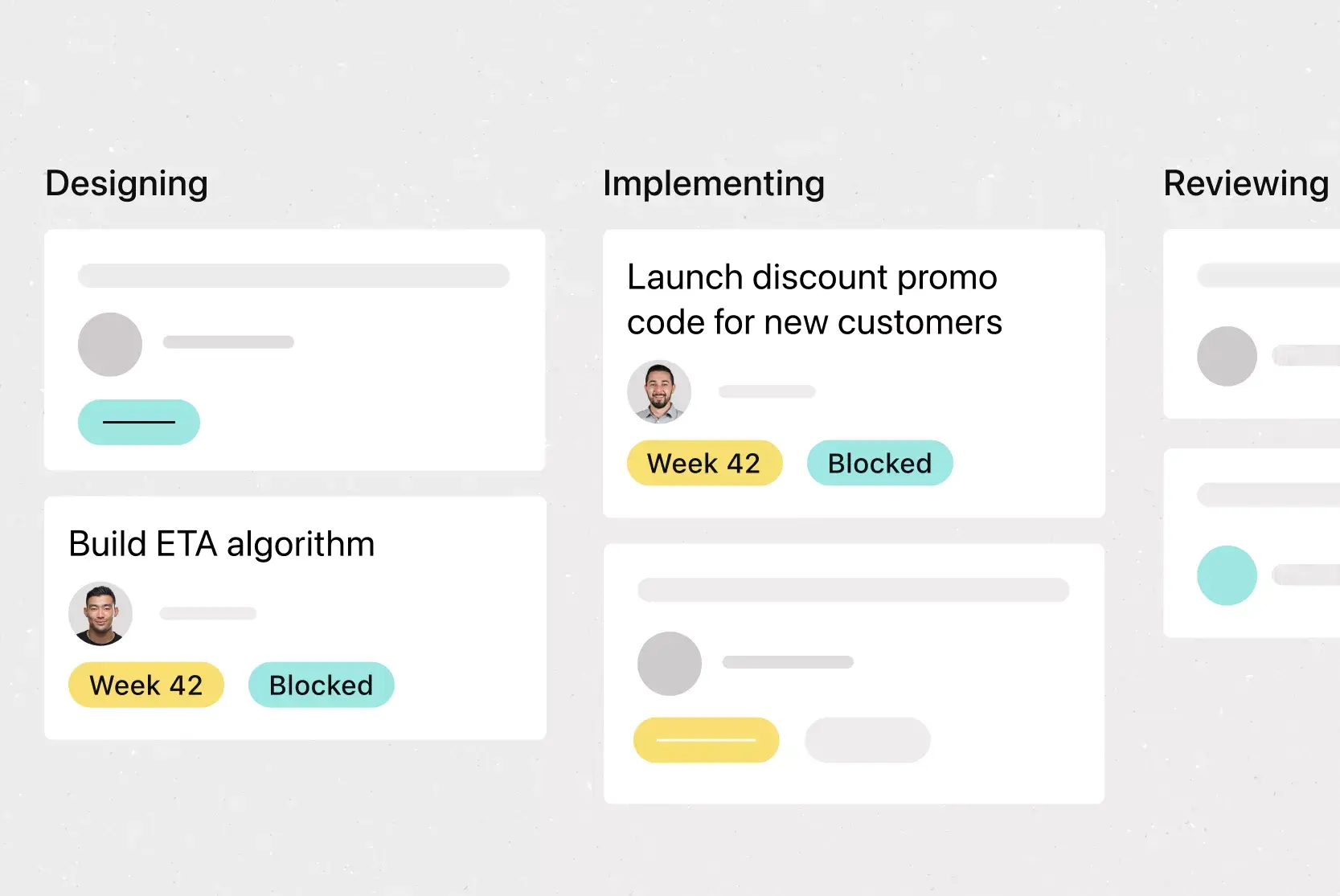
![[Templates] Web Design Process (Card image)](https://assets.asana.biz/transform/91cfb3ee-da0a-44d4-82a4-3cc08d1d6451/TG23-web-thumbnail-035-changelog-static-2x?io=transform:fill,width:2560&format=webp)
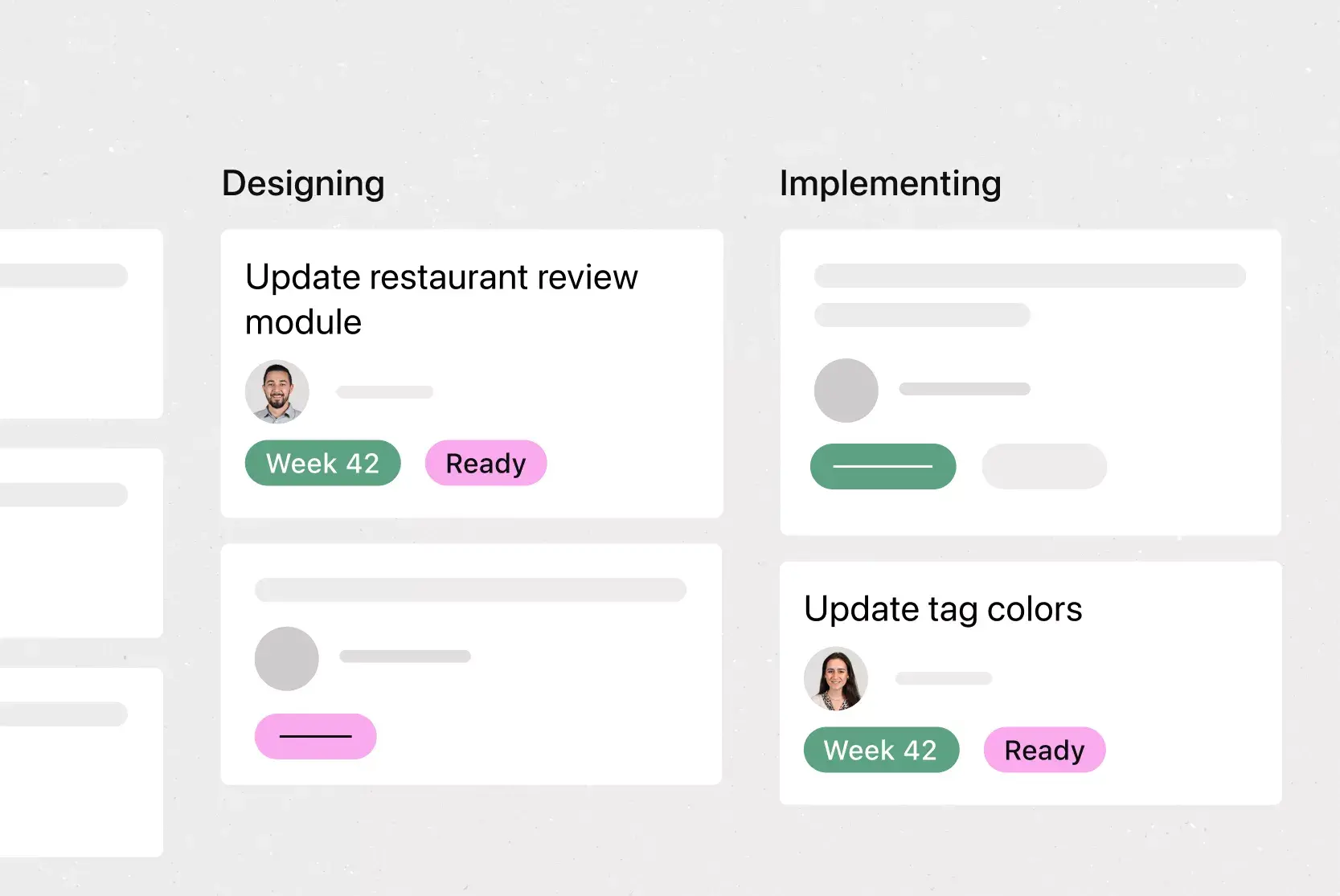
![[Templates] Sprint Retro (Card image)](https://assets.asana.biz/transform/889d64ca-6f95-485f-888a-b015a0932852/TG23-web-hero-049-launch-post-mortem-thumbnail-2x?io=transform:fill,width:2560&format=webp)
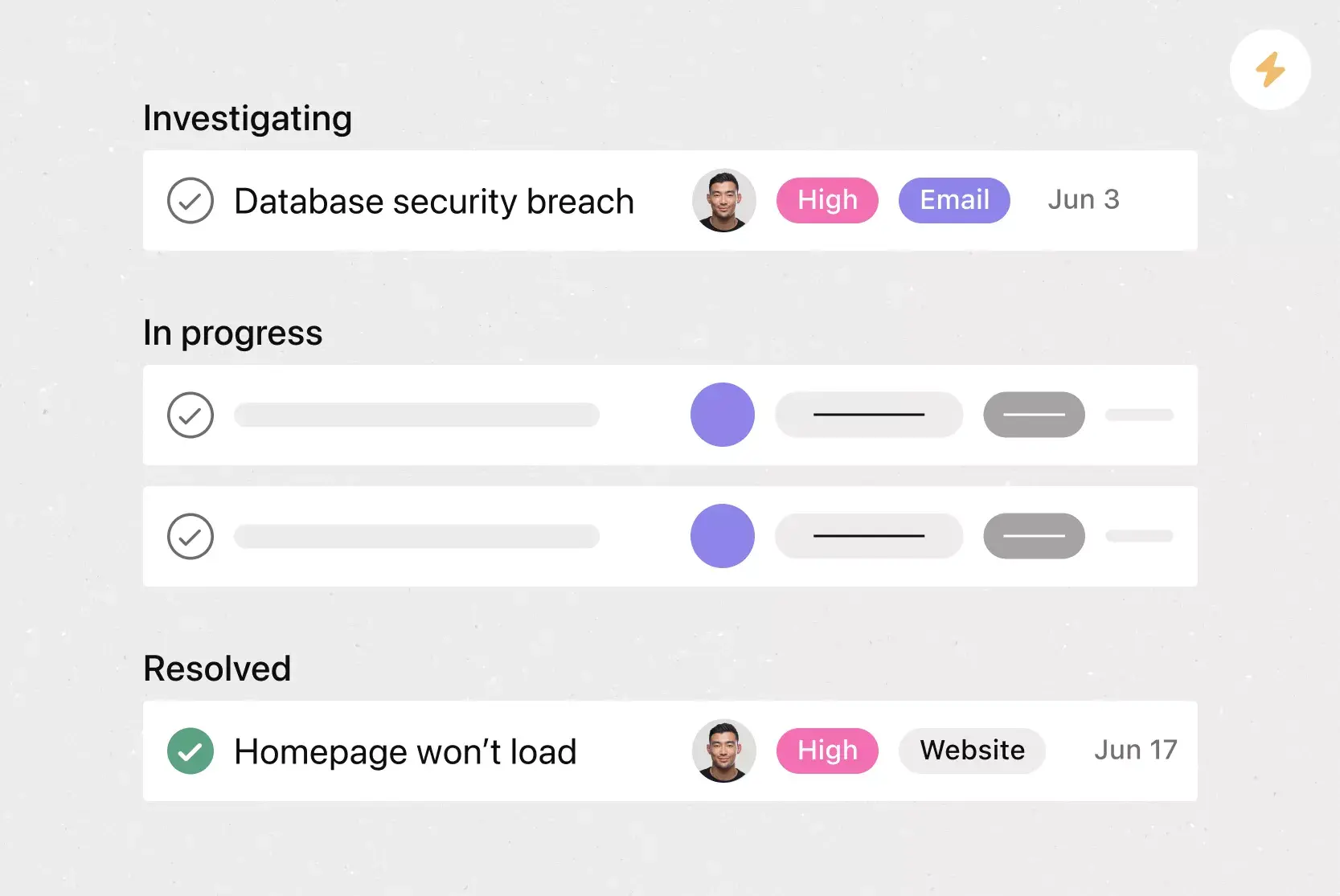
![[Agile Daily Standup] template Card Image](https://assets.asana.biz/transform/0df37b8d-d69a-42af-b4ac-c0fc41658276/TG23-web-thumbnail-019-weeklytodo1-static-2x?io=transform:fill,width:2560&format=webp)

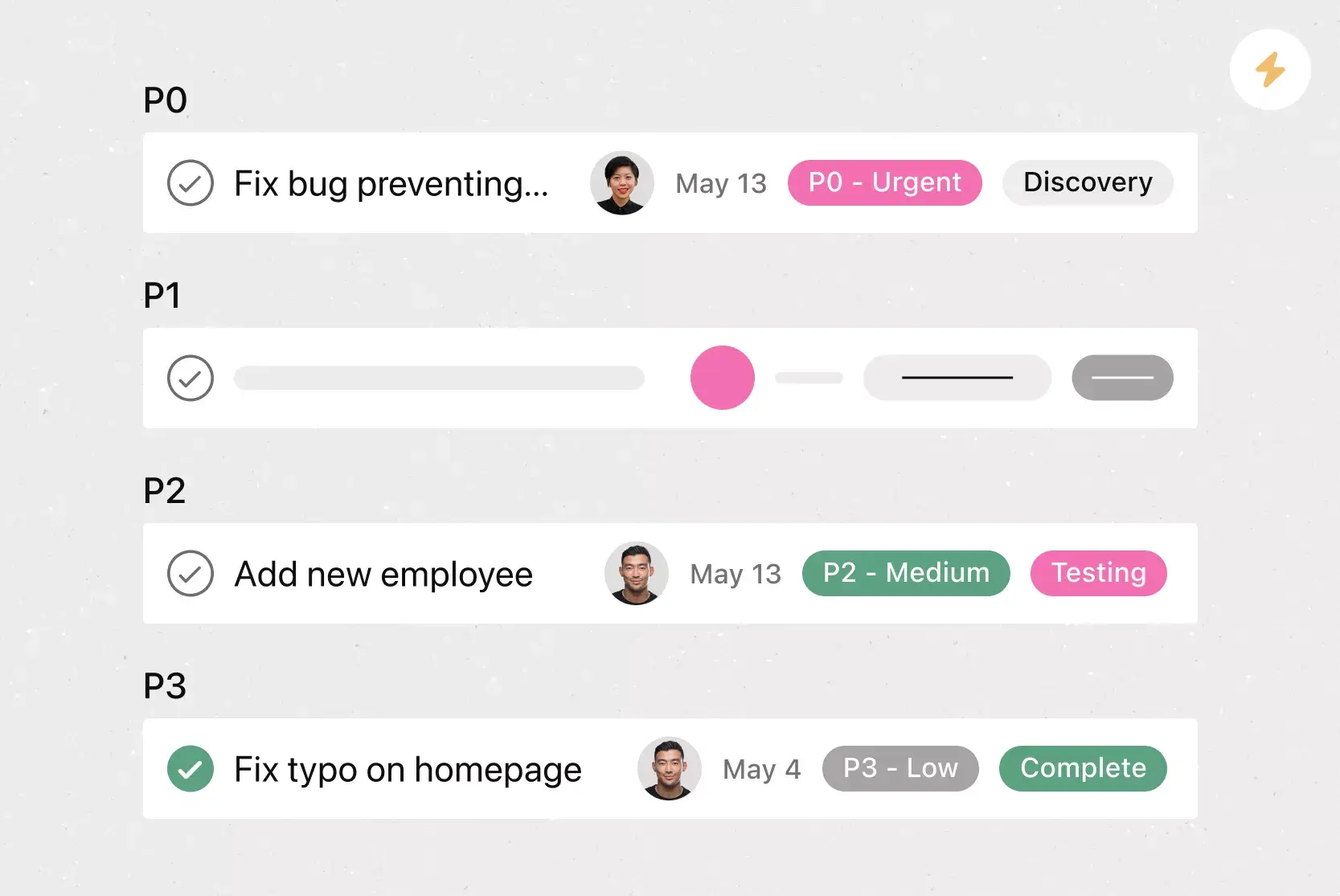
![[Templates] Software and System Deployment (Card image)](https://assets.asana.biz/transform/8b9bb024-d81b-48ec-8cd8-148453823fbe/software-and-system-deployment?io=transform:fill,width:2560&format=webp)

Create templates with Asana
Learn how to create a customizable template in Asana. Get started today.