Asana приобретает StackAI — теперь каждый рабочий процесс с участием человека выполняется в одном месте.Подробнее
Asana в сравнении с Trello
Масштабируйте сложные проекты за пределами канбан-досок с помощью Asana
Благодаря встроенным видам «Хронология» и «Диаграмма Ганта», встроенным функциям автоматизации и расширенным возможностям отчётности Asana предоставляет менеджерам проектов структуру и прозрачность, позволяющие уверенно масштабировать сложную работу.

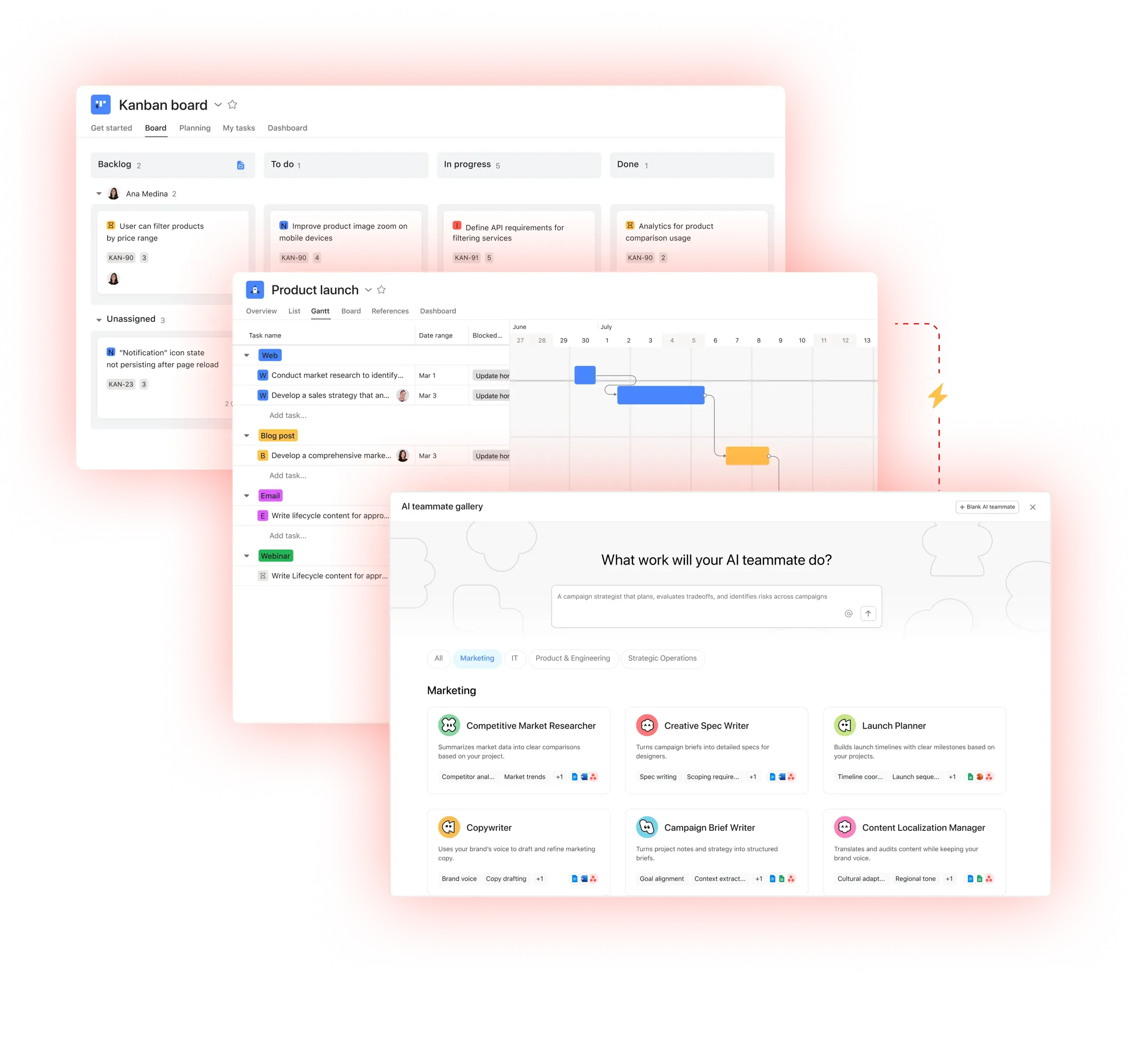
Asana доверяют более 170 000 команд — от стартапов до компаний из списка Fortune 100.









В чём разница между Asana и Trello?
ФУНКЦИИ
ИИ, созданный для команд
ИИ-ассистенты Asana — это ИИ-агенты, работающие на основе Work Graph, поэтому они с первого дня понимают цели, проекты и зависимости вашей команды, а каждое действие ИИ можно увидеть и проверить. Подробнее.
Масштабируемая автоматизация и рабочие процессы на базе ИИ
Asana helps teams save time and reduce manual work with advanced automation and AI features that streamline processes—not just communication or productivity tasks. With AI Studio, you can build smart workflows tailored to your team’s processes. Learn more
Structured onboarding and guidance for fast adoption
Asana combines an intuitive interface with built-in guidance, templates, checklists, and Asana Academy training to help teams get started quickly, maintain consistency, and stay organized as work scales. Learn more
Multiple native project views
Asana allows users to switch between multiple project views with a single click—including list, board, timeline, and calendar—enabling teams to manage complex projects, track dependencies, and choose the view that best fits their workflow. Learn more
Удобная отчётность в масштабах всей организации
Команды могут отслеживать цели, портфели и показатели эффективности по тысячам проектов и задач, используя панели задач и аналитику, которые позволяют соединить стратегию с ее реализацией. Подробнее
Advanced built-in task management
Asana natively supports advanced task management by helping teams stay on track, simplify approvals with one-click sign-offs, and maintain a single record across multiple projects, keeping complex work organized without third-party add-ons. Learn more
Более 400 интеграций для связанной работы
Asana предлагает более 400 интеграций с популярными инструментами, такими как Slack, Microsoft Teams, Google Диск и Salesforce, что позволяет командам объединять рабочие процессы в разных проектах и отделах и эффективно масштабировать совместную работу.
Почему наши пользователи предпочитают Asana


Я использовал Asana в нескольких командах и для разных типов проектов — от маркетинговых кампаний до разработки продуктов. По сравнению с другими инструментами для управления проектами... Asana — мой любимый инструмент.
Я пользовался(-ась) многими инструментами для управления проектами, включая Monday.com, Trello, ClickUp и Wrike. У Asana самый интуитивный интерфейс, продвинутые интеграции, умные функции и понятный пользовательский интерфейс.

«Asana позволяет легко управлять OKR и отслеживать их.» Вся наша компания знает, каковы ключевые приоритеты, и может соответствующим образом планировать, отслеживать и вести учёт работы. Это значительно повысило нашу эффективность, и теперь мы можем быстрее выполнять работу и масштабировать ее».
— Дайан Розанти, управление продуктами

«По мере роста Zoom нам требовалось единое представление обо всём происходящем, чтобы мы могли расставлять приоритеты в работе и принимать бизнес-решения. Нам были нужны прозрачность, ответственность, единообразие в выполнении работы и обмен знаниями между командами.»
— Ариэль Чаван, начальник отдела безопасности
Asana обеспечивает команды гибкими и масштабируемыми рабочими процессами
Узнайте, как Asana помогает командам любого размера настраивать проекты, подключать инструменты и отчитываться о ходе работ — и всё это в одном месте.
- Automation and AI
- Onboarding and training
- User experience and usability
- Reporting and analytics
- Integrations and scalability

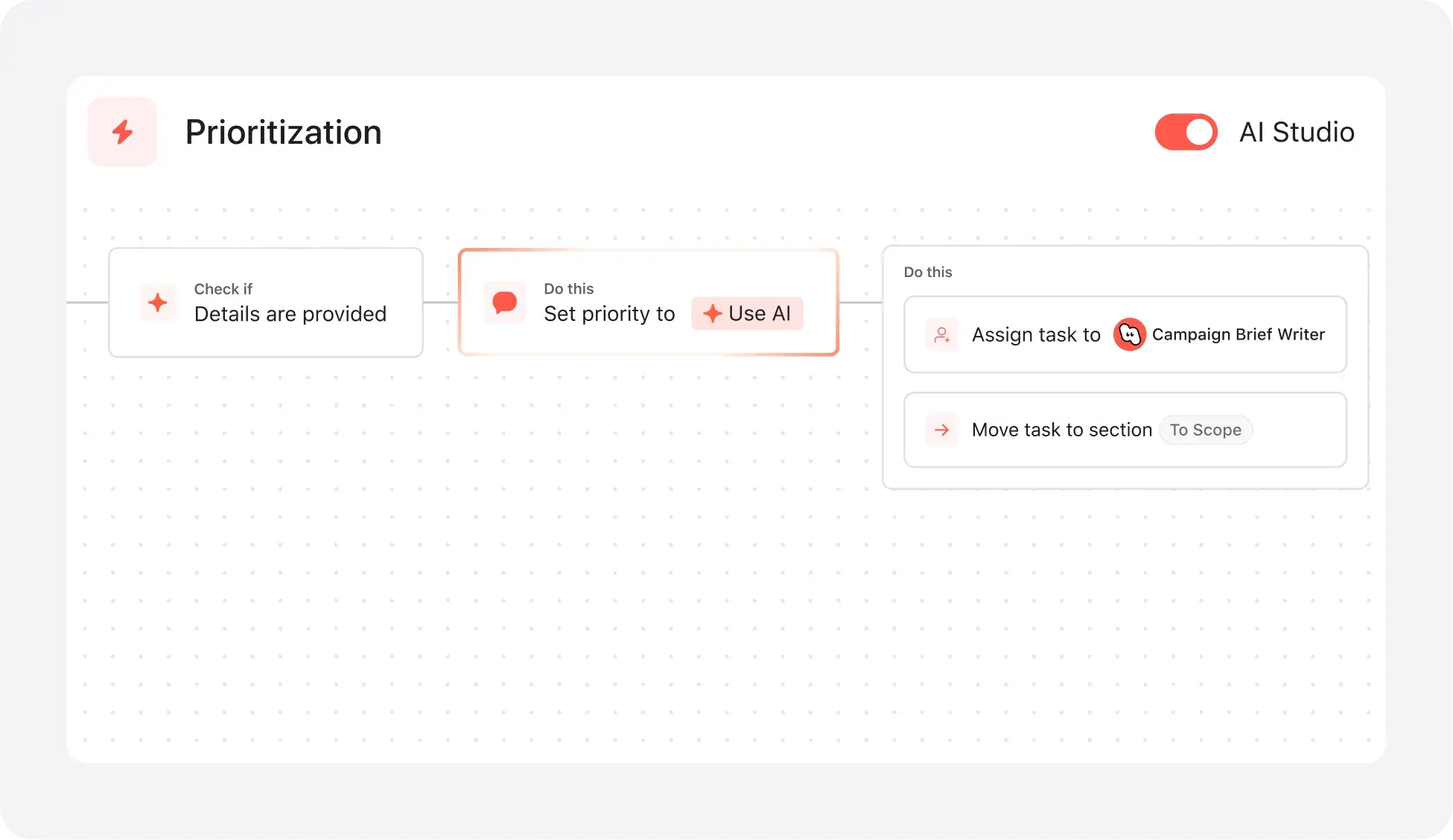
AI your whole team can actually use
ИИ-ассистенты Asana понимают ваши цели, проекты и зависимости с самого первого дня. В базовой структуре доски Trello нет глубины, которая позволила бы связать ежедневные карточки с общей стратегией.
ИИ-ассистенты Asana создают общую память, которая объединяет всю вашу команду, а автоматизация Butler от Trello выполняет разовые задачи, но никогда не учитывает более широкий бизнес-контекст вашей команды.
Каждое действие ИИ отображается в вашем журнале активности так же, как и действия участника команды-человека. При этом автоматизации Trello часто скрыты, что затрудняет проверку изменений, внесенных ИИ.
Reduce setup time and accelerate team adoption
Asana предоставляет кастомизируемые потоки адаптации и предварительно настроенные шаблоны проектов, позволяя пользователям быстро приступить к работе и следовать чётким шагам, адаптированным к потребностям их команды.
Ресурсы для адаптации, включая Академию Asana, пошаговые руководства, инструкции в приложении и онлайн-тренинги, помогают командам любого размера уверенно внедрять новые рабочие процессы, сводя к минимуму необходимость в длительном обучении или привлечении внешних консультантов.
Trello предоставляет ограниченные рекомендации по адаптации и минимальное количество структурированных ресурсов, в то время как Asana предлагает удобный процесс адаптации с пошаговыми инструкциями, который сокращает время обучения и ускоряет внедрение.
Structure work with an adaptable interface
Asana предоставляет современный, визуально интуитивный интерфейс с кастомизируемыми представлениями проектов, включая списки, доски, календари и хронологии, чтобы команды могли организовать работу так, как это лучше всего подходит для их процесса.
Пользователи могут мгновенно переключаться между представлениями проекта и настраивать сохраненные вкладки для каждого проекта, чтобы обеспечить ясность, расстановку приоритетов и эффективное управление задачами во всей организации.
Бесплатный тарифный план Trello включает доски в стиле канбан, а дополнительные представления доступны в платных тарифных планах, в то время как Asana предоставляет множество гибких, удобных и масштабируемых представлений проектов для команд любого размера.
Real-time dashboards for organization-wide clarity
Asana создает панели мониторинга на основе актуальных данных проектов — никаких ручных обновлений или экспорта электронных таблиц не требуется.
С помощью Asana команды могут отслеживать статус проектов, выявлять риски и мгновенно устранять препятствия, обеспечивая согласованность действий по нескольким проектам и в разных отделах.
Trello предлагает только базовую аналитику на уровне досок, в то время как Asana предоставляет сводные данные по нескольким проектам и аналитику по портфелям в реальном времени, позволяя отслеживать ход работ по проектам в больших масштабах.
Connect 400+ integrations for scalable workflows
Asana можно подключить к более чем 400 приложениям, включая Slack, Google Workspace, Salesforce и Tableau, чтобы команды могли автоматизировать передачу работы и централизовать её в одном месте.
Команды сокращают количество ручных обновлений и синхронизируют работу, связывая Asana с инструментами маркетинга, аналитики и ИТ.
Trello поддерживает более 200 интеграций, а Asana — более 400.
Что говорят об Asana эксперты
Отраслевые аналитики и корпоративные организации признают Asana лучшей платформой для управления работой.


Лидер в отчете The Forrester Wave: инструменты для управления совместной работой, 2025 г.


Лидер в отчёте «Gartner Magic Quadrant для управления совместной работой» за 2025 г. три года подряд
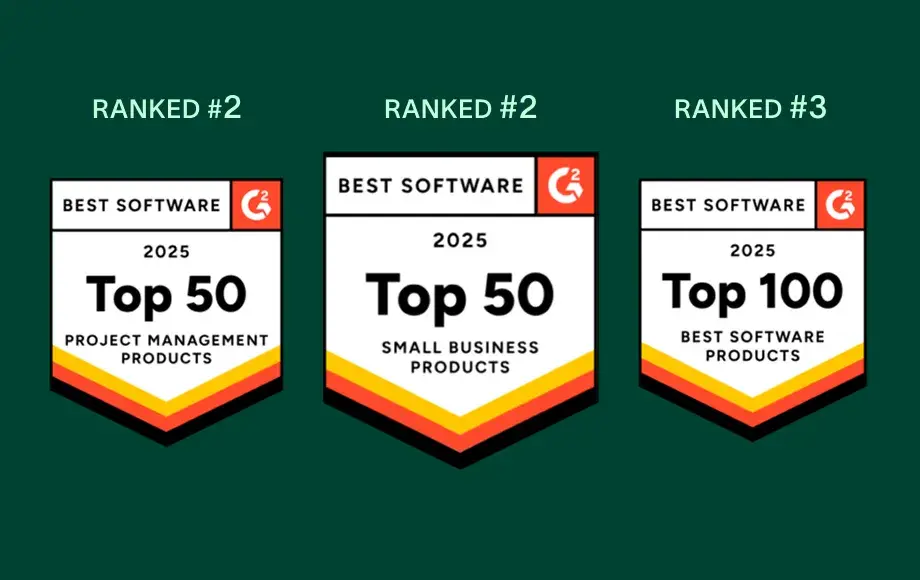
Лидер в области управления работой и программного обеспечения для OKR с более чем 12 000 отзывов пользователей
Вопросы и ответы
Сложно ли командам, привыкшим к Trello, научиться работать в Asana?
Какие ресурсы для адаптации доступны новым пользователям Asana?
Какая поддержка доступна командам с особыми потребностями в области адаптации?
Какие функции помогают командам быстро приспособиться к Asana?
Как перенести свою команду из Trello в Asana?
Как лица, принимающие решения, могут оценить рентабельность инвестиций после перехода на Asana?
Присоединяйтесь к 85% компаний из списка Fortune 100, которые уже используют Asana**
**По состоянию на декабрь 2025 года, включает бесплатных и платных пользователей.