Asana acquires StackAI — now every human-agent workflow runs in one place.Learn more
Prioritize Matrix Template
Sort tasks by impact and effort so your team can focus on high-value work, make faster decisions, and build an action plan in Asana.
Create your templateSign up to create your own template.
INTEGRATED FEATURES
Recommended apps




Summary
When your to-do list keeps getting longer, it can be tough to know which tasks to tackle first. How can you make sure your team is working on what matters most, instead of spending time on less important tasks? Without a clear system, you might end up focusing on the wrong things.
A prioritization matrix template can make decision-making easier. With Asana, you can organize tasks by effort and impact, then build an action plan that highlights your top priorities. In this article, you'll find out what a prioritization matrix is, how to use a template, the types of matrices available, and which Asana features can help.
What is a prioritization matrix?
A prioritization matrix is a decision-making tool that helps you categorize tasks based on two criteria, typically impact and effort, so you can determine what to work on first. Also known as a "priority matrix," it gives you a clear view of which tasks deliver the most value relative to the time and resources they require.
Prioritization matrices can be simple or detailed, depending on how many tasks you have. A basic matrix usually includes these categories:
High impact, low effort: Do now
High impact, high effort: Do next
Low impact, low effort: Do later
Low impact, high effort: Don’t do
If you’re not sure which task to start with or how to fit work into your schedule, a prioritization matrix can help you make a clear plan.
What is a prioritization matrix template?
A prioritization matrix template is a reusable tool that helps you quickly sort your to-do list. You don’t need to make a new template every day, week, or month. Just copy the template, add your tasks, and start prioritizing.
Create a prioritization matrix templateWhat are the benefits of a prioritization matrix template?
A digital prioritization matrix template lets you sort your work by impact and effort. With features like color-coded tags and different views, you can easily see what’s coming up next.
With a digital prioritization matrix template, you can:
Determine the most high-impact work for your team and organization.
Easily add tasks to your matrix, and drag and drop tasks to different sections as priorities change.
Ensure you're allocating resources correctly and focusing on the work that delivers the greatest business benefit.
Remove the upfront work of creating a template from scratch every day or week.
Share your matrix with project stakeholders, so everyone is on the same page with how you're prioritizing work.
Set start dates for tasks you've deprioritized.
Assign team members to prioritize and delegate work.
Create a repeatable process for other teams to use, so everyone across the organization can prioritize their most high-impact work.
How do you use a prioritization matrix template?
A simple prioritization matrix template will help you create an action plan based on the effort required for each task and the impact each task will have on the business.
To start, add two custom tags to the template: one for the effort required to complete each task and one for the business impact of completing each task.
High impact and low effort
High impact and high effort
Low impact and low effort
Low impact and high effort
Next, set up sections in your template that show what action to take for each task, based on its effort and impact. For example:
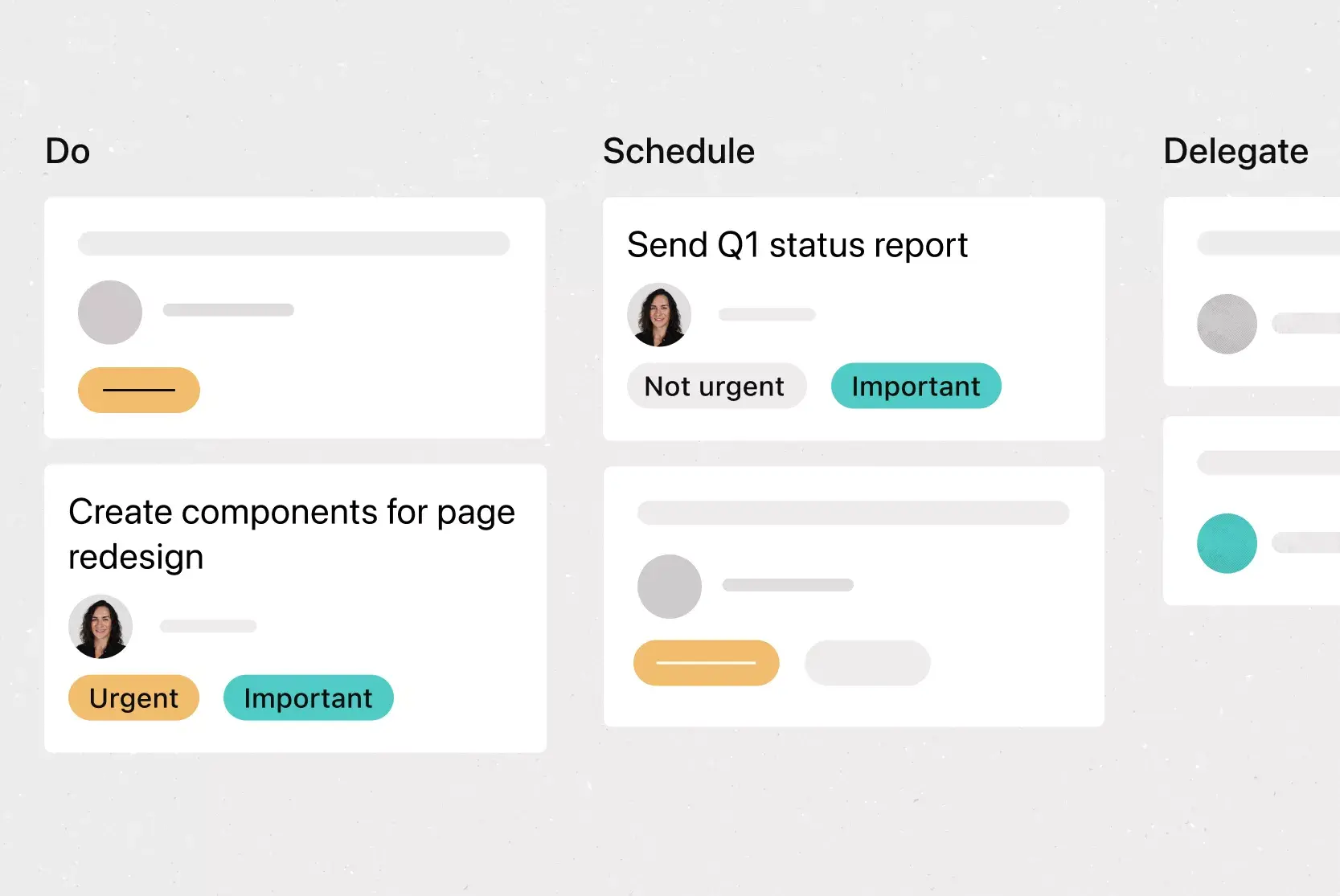
Do now: This section is for high-impact, low-effort tasks that will greatly benefit the business without taking up much of your time. For example, signing new hire documents.
Do next: This section is for high-impact, high-effort tasks that require significant time but are also very important to the business. For example, creating a client strategy proposal.
Do later: This section is for low-impact and low-effort work, which encompasses work that isn't as impactful on the organization but is still worth doing since it also doesn't take much time. For example, organizing your client contact list.
Don't do: This section is for low-impact, high-effort work that doesn't significantly affect the business and takes up a lot of your time. For example, re-proofreading a strategic messaging document that's already been approved by the creative department.
After you’ve set up your template with these tags and sections, it’s simple to use. Just follow these steps:
Make a copy of your basic prioritization matrix template.
Rename your template (for example, "Prioritization matrix for the week of January 9").
Add all appropriate tasks to the template.
Assign custom tags to each task to indicate effort and impact.
Drag and drop your tasks into the appropriate section (do now, do next, do later, don't do).
Add start dates and team members to each task, where applicable.
Types of prioritization matrix templates
Not every prioritization challenge is the same, so here are four common types of matrix templates to match different needs:
Simple priority matrix template: This is the standard 2x2 grid that sorts tasks into four quadrants based on impact and effort. It's a great starting point for individuals or small teams who want a quick, visual way to decide what to work on first.
Project priority matrix template: Designed for project managers, this template helps you compare and rank multiple projects based on criteria like strategic value, resource availability, and timeline. Use it when you need to decide which projects to green-light and which to put on hold.
Action priority matrix template: This matrix focuses specifically on quick wins vs. major projects. It helps you identify tasks that deliver the most value for the least effort, so you can build momentum and show progress early.
Task prioritization matrix template: Ideal for daily or weekly planning, this template is built for individuals who need to sort through a long to-do list. It's especially useful when you're juggling competing deadlines and need a clear action plan for the days ahead.
In Asana, you can adjust any of these templates with custom fields, color-coded tags, and different views to fit your team’s workflow.
Integrated features and apps
Asana integrates well with your current business tools, making it easier for teams to collaborate. Features like custom fields and multiple project views let you adjust the prioritization matrix template to fit your needs.
Integrated features
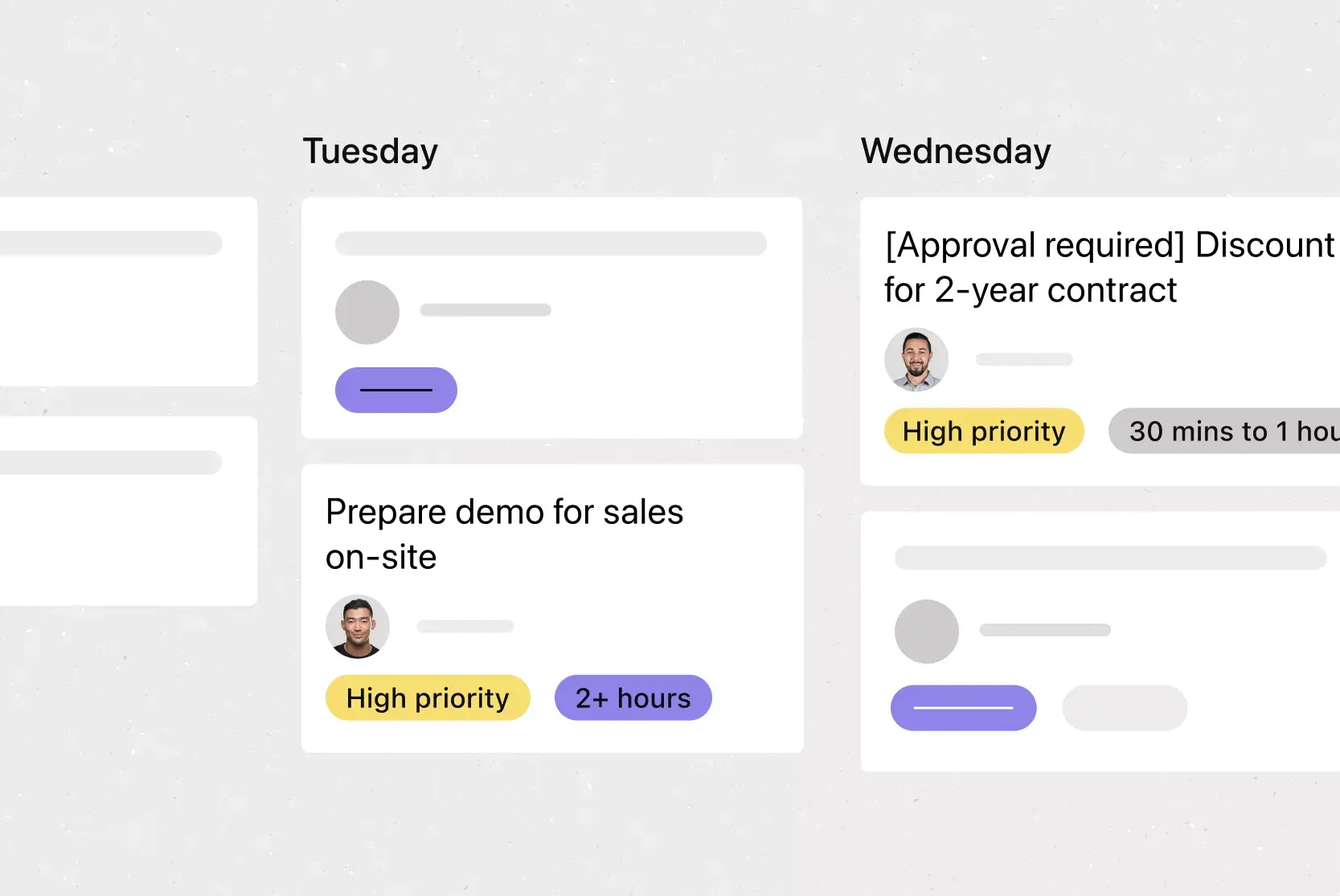
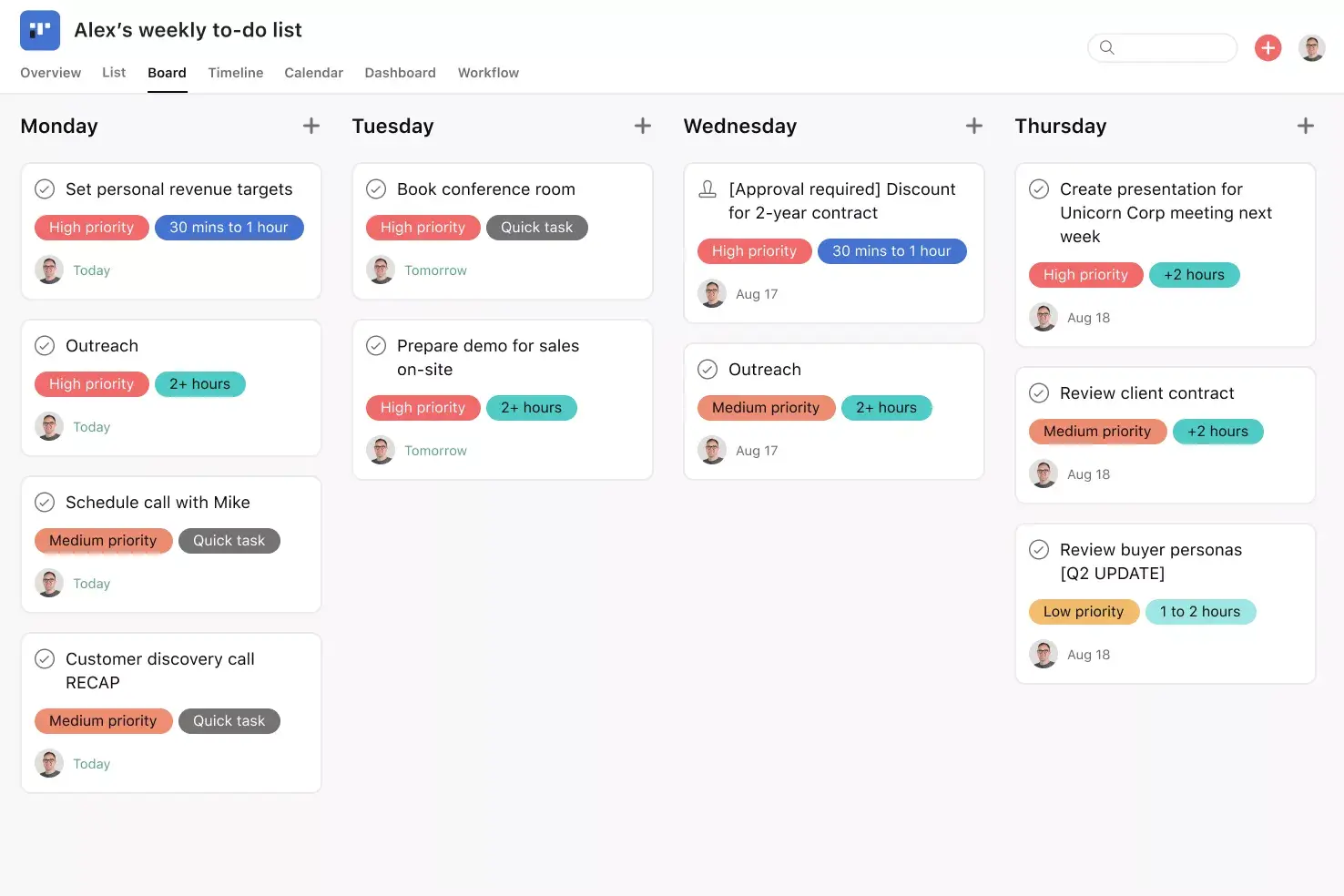
Board View. Board View is a Kanban board-style view that displays your project's information in columns organized by work status (like To Do, Doing, and Done), which you can adjust to fit your project needs. Within each column, tasks are displayed as cards with associated information, including task title, due date, and custom fields. Track work as it moves through stages and get an at-a-glance insight into where your project stands.
Custom fields. Custom fields are the best way to tag, sort, and filter work based on any information you need to track, from priority and status to email or phone number. Use custom fields to sort and schedule your to-dos so you know what to work on first. Plus, share custom fields across tasks and projects to ensure consistency across your organization.
Start dates. Sometimes you don't just need to track when a to-do is due; you also need to know when you should start working on it. Start times and dates give your team members a clear sense of how long each task should take. Use start dates to set, track, and manage work, aligning your team's goals and preventing dependencies from falling through the cracks.
Adding tasks to multiple projects. Work is cross-functional, and teams need to collaborate effectively across departments without getting stalled by siloed filing systems. Asana makes it easy to track and manage tasks across multiple projects, reducing duplicative work and increasing cross-team visibility. It also helps your team see tasks in context, view who's working on what, and keep tasks and team members connected.
Recommended apps
Slack. Turn ideas, work requests, and action items from Slack into Asana tasks and comments. Go from quick questions and action items to tasks with assignees and due dates. Easily capture work so requests and to-dos don't get lost in Slack.
Google Workplace. Attach files directly to tasks in Asana using the Google Workspace file picker, built into the Asana task pane. Easily attach any My Drive file with just a few clicks.
Gmail. With the Asana for Gmail integration, you can create Asana tasks directly from your Gmail inbox, and any tasks you create will automatically include context from your email. Need to refer to an Asana task while composing an email? Use the Asana for Gmail add-on to search for that task directly from your Gmail inbox.
Outlook. As action items come in via email, like reviewing work from your agency or a request for design assets from a partner, you can now create tasks for them in Asana right from Outlook. You can then assign the new task to yourself or a teammate, set a due date, and add it to a project so it's connected to other relevant work.
Prioritize your work with confidence using Asana
When you can sort tasks by impact and effort, you spend less time deciding and more time getting important work done. A prioritization matrix template gives your team a simple, repeatable way to make these choices, and Asana helps you put that plan into action.
With features like custom fields, board views, and integrations with the tools you already use, you can build a prioritization matrix that fits your team's unique workflow. Ready to start focusing on the work that matters most? Get started with a free prioritization matrix template in Asana today.
Create a prioritization matrix templateFAQs about prioritization matrix templates
What is a prioritization matrix template?
When should I use a prioritization matrix template?
What are the benefits of using a prioritization matrix template?
What's the difference between a prioritization matrix and an Eisenhower matrix?
Related templates

![[Templates] Marketing Project Plan (Card) image](https://assets.asana.biz/transform/af70ac54-97b9-4639-b639-be3a3d951e3e/TG23-web-thumbnail-016-stakeholderregister-static-2x?io=transform:fill,width:2560&format=webp)
![[Template] IT project plan (Card image)](https://assets.asana.biz/transform/8aa523a9-4dcb-4053-8e69-7bdf900b48b9/web-product-template-thumbnail-IT-EN-US?io=transform:fill,width:2560&format=webp)


![[Templates] Operations Project Plan (Card)](https://assets.asana.biz/transform/ec3bf1b9-cbcd-413c-a20c-82bf1dbe10d2/TG23-web-thumbnail-008-risk-management?io=transform:fill,width:2560&format=webp)
![[Templates] RFP Process (Card image)](https://assets.asana.biz/transform/14aa111b-ab22-483f-bfd1-3090acb7d2a5/RFP-process-premium-m?io=transform:fill,width:2560&format=webp)

![[HR Project Plan] template Card Image](https://assets.asana.biz/transform/663b8e5e-89c9-4b0b-b48b-1b17e01d1889/TG23-web-thumbnail-033-process-improvement-static-2x?io=transform:fill,width:2560&format=webp)
![[Templates] Waterfall project management (card image)](https://assets.asana.biz/transform/d87fc21c-53f0-4bc9-9094-9789b963be9b/article-project-management-waterfall-project-management-methodology-2x?io=transform:fill,width:2560&format=webp)
![[Templates] Status report (card image)](https://assets.asana.biz/transform/9c82d399-782b-40d3-9eb1-fd7544bef794/article-project-management-project-management-maturity-model-2x?io=transform:fill,width:2560&format=webp)
![[Templates] Event Marketing Plan (Card image)](https://assets.asana.biz/transform/6c7b9329-b612-4732-910a-7917fa079f0b/TG23-web-thumbnail-014-project-chart-static-2x?io=transform:fill,width:2560&format=webp)

![[Templates] Communication plan (card image)](https://assets.asana.biz/transform/3dc9eadf-9d2d-40a2-a05d-63adb32a1de7/article-collaboration-synchronous-vs-asynchronous-communication-2x?io=transform:fill,width:2560&format=webp)




![[Templates] Design Project Plan (Card image)](https://assets.asana.biz/transform/c768a28c-822f-420f-93f9-f2eea4c93780/TG23-web-thumbnail-032-bill-of-materials-static-2x?io=transform:fill,width:2560&format=webp)
Create templates with Asana
Learn how to create a customizable template in Asana. Get started today.