Asana acquires StackAI — now every human-agent workflow runs in one place.Learn more
Design proposal template
Use a design proposal template to organize scope, timelines, deliverables, pricing, feedback, and approval steps for potential clients. It gives your team a professional format for presenting project details, answering questions, and turning approved proposals into action items.
Create your templateSign up to create your own template.
INTEGRATED FEATURES
Recommended apps




Summary
A design proposal is a document that outlines the goals, scope, and approach of a creative project, helping designers and clients agree on expectations before work begins. Without a structured proposal, creative projects can quickly lose their way. This design proposal template helps designers, agencies, and clients coordinate on project scope, timelines, and expectations from the start.
When you're pitching a new website, branding package, or ad campaign, the Asana design proposal template organizes the entire proposal process within a single workspace. It ensures your team presents ideas with precision and keeps clients confident in what they're getting. In this article, you'll learn who benefits from design proposal templates, why they matter, how to use one step by step, and which features and integrations support your creative workflow.
Who benefits from design proposal templates?
Freelance designers, creative agencies, UX/UI teams, marketing departments, and project managers all benefit from design proposal templates. These templates help creative professionals communicate project details, establish expectations early, and obtain approvals more quickly. Here are common types of templates and who uses them:
Web design proposal template: Used by UX/UI designers and developers to outline website goals, wireframes, and timelines for digital projects.
Graphic design proposal template: Helps creative teams and agencies present branding, advertising, or visual campaign concepts to clients.
Logo design proposal template: Used by brand designers and freelancers to showcase logo concepts, color schemes, and revision cycles professionally.
Interior design proposal template: Helps interior designers and architects organize design ideas, materials, and budgets for client review.
Product design proposal template: Used by industrial and product design teams to present prototypes, specifications, and production timelines.
Project proposal template: Ideal for project managers and cross-functional teams to define scope, deliverables, and approval workflows.
Marketing proposal template: Used by marketing teams and agencies to pitch campaigns, ad strategies, and creative executions to clients.
Business proposal template: Helps sales, operations, or consulting teams outline services, pricing, and timelines for potential partnerships.
Why use Asana's design proposal template
Creating proposals manually can slow down your pitching process in competitive industries where every second counts. With the Asana design proposal template, your team can create proposals that are organized, consistent, and easy to share while collaborating in real time.
Benefits of using a design proposal template include:
Standardize proposal structure across teams and clients
Collaborate on design deliverables and feedback in one place
Track proposal progress, revisions, and approvals visually
Centralize supporting files like briefs, mockups, and budgets
Save time with reusable templates for future projects
Asana design proposal features
Asana features turn your design proposal template into a collaborative workspace that connects ideas, timelines, and approvals. We included a few of our favorite design proposal features, but you can customize your template using any feature from our library.
Track project types, proposal stages, client names, and budgets. Custom fields make it easy to filter and report on proposal progress across clients or departments.
Visualize deadlines, dependencies, and review cycles in one interactive schedule. Timeline keeps your creative proposals on track from draft to delivery.
Simplify sign-offs by assigning approvers and tracking feedback. Approvals ensure that revisions are documented and decisions are made before moving forward.
Add mockups, design assets, and client references directly to proposal tasks. Attachments eliminate version confusion and keep all project materials in one place.
Automate repetitive steps like assigning tasks, updating proposal stages, or notifying clients when approvals are complete. Rules keep your workflow consistent and efficient.
Recommended integrations
Integrations connect your Asana design proposal template with the creative tools you already use. Here are some of our most popular integrations, or visit our app hub to find the platforms your team regularly uses.
Send automatic updates about proposal approvals, revisions, or new client requests to your creative Slack channels for faster collaboration.
Attach creative briefs, presentations, and design assets from Drive directly into Asana tasks for easy access and version control.
Link live design files or prototypes to your proposal. Clients can view real-time updates and comment directly within the design context.
Embed Canva visuals or presentation decks into proposal tasks. This integration is ideal for teams preparing visual mockups or marketing campaigns.
How to use a design proposal template
This design proposal template helps creative professionals build client-ready proposals step by step. Use it to organize the following in one shared workspace:
Your introduction and creative vision
Project overview, objectives, and proposed approach
Scope of work, deliverables, timeline, and pricing
Step 1: Create your introduction
Start in the Introduction section to make a strong first impression. Include the following to set the tone for your proposal:
Your company name and team members
A short cover letter explaining your project vision and value proposition
Brand visuals and a clean font
Links to a pitch deck or previous examples of your best work
This introduction helps potential clients understand your creative direction from the start.
Read: Free brand strategy template to grow and refine your brandStep 2: Outline your project overview and objectives
In the Project Overview and Objectives section, summarize the client's needs, the problem you're solving, and the outcomes you'll deliver. Keep your writing focused on objectives and outcomes. If your work involves business plans, e-commerce, or sales proposals, this section helps clients visualize the opportunity and understand how your design supports their goals.
Step 3: Detail your proposed solution and approach
Use the Proposed Solution and Approach section to describe how your team will bring the project to life. Break your creative process into phases from concept and development to review and delivery.
In this section, you highlight your unique process, tools, or creative strategy. For example, include references to your SEO or social media design methods, if relevant, to show how your proposal fits into a broader marketing strategy.
Step 4: Define the scope of work and deliverables
In the Scope of Work and Deliverables section, list every component of your project. For each task, be sure to include:
Design assets and revision rounds
Milestones and approval checkpoints
Deliverable owners and design complexity
This section helps both teams and clients streamline communication by setting clear boundaries and deliverables.
Read: Free client onboarding process templateStep 5: Build your project timeline
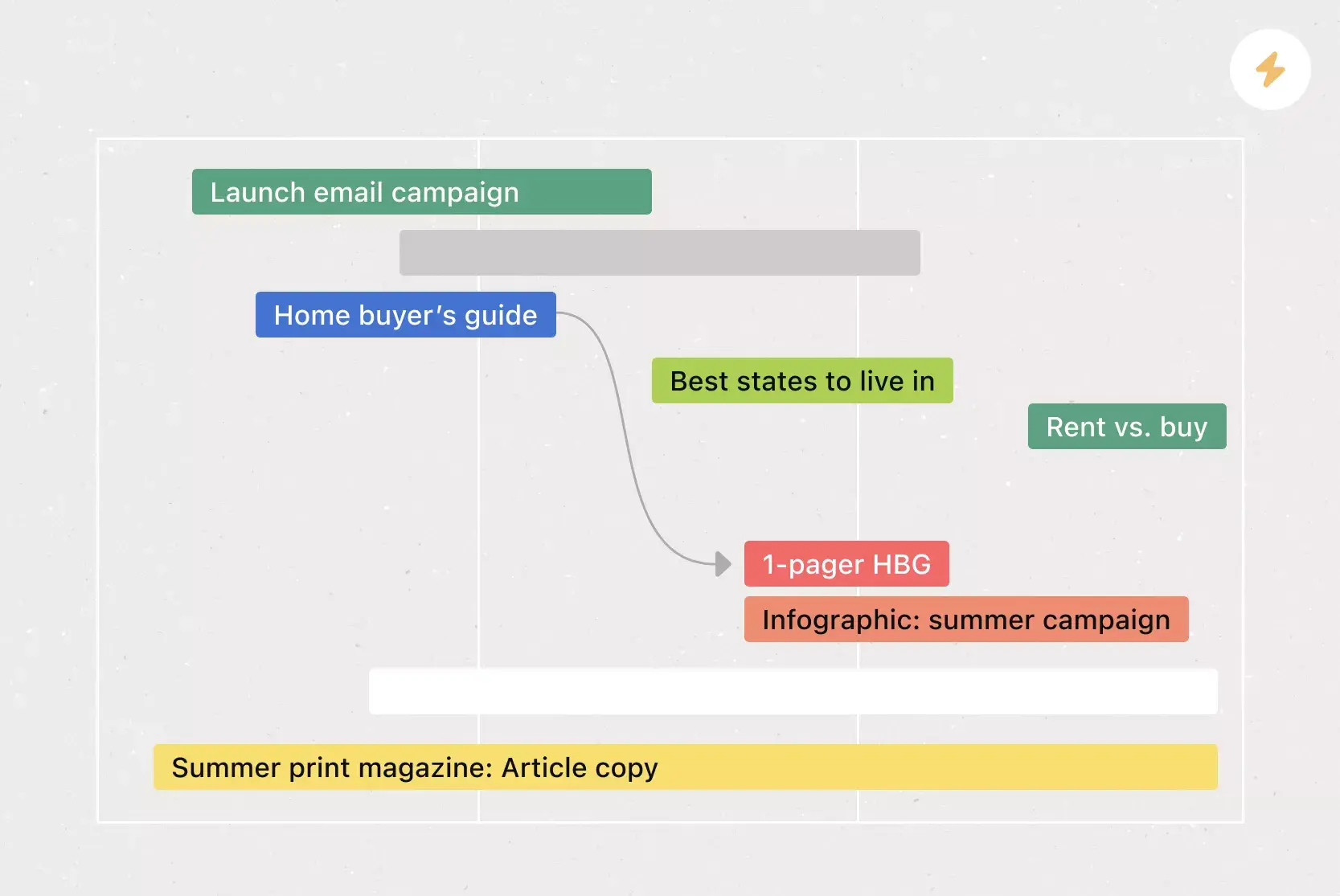
Switch to Project Timeline to lay out milestones and deadlines. Use the Asana timeline view to visualize the step-by-step process of each phase. Assign tasks to team members, set due dates, and add dependencies to prevent overlaps.
Step 6: Detail investment and pricing
Finally, use Investment and Pricing to outline budgets, payment terms, and approval checkpoints. Include key details such as:
Project costs and additional services
Sponsorship opportunities
Tasks for sending invoices or tracking e-signatures
Keeping this data in one place ensures financial transparency and reinforces trust with potential clients before work begins.
Read: Free all-purpose budget template that's ready for anythingStart creating professional design proposals
A well-structured design proposal helps you win client trust, set clear expectations, and keep creative projects on track. With the Asana design proposal template, your team can organize every detail, from scope and deliverables to timelines and pricing, in one collaborative workspace. Ready to streamline your proposal process? Get started and build your first design proposal today.
FAQs about design proposal templates
What is a design proposal template?
What's included in a web design proposal template?
How do you use a graphic design proposal template?
Why use a logo design proposal template?
How do you write a design proposal?
Related templates
![[Templates] Editorial Calendar (Card image)](https://assets.asana.biz/transform/5fac5de2-17f6-4d69-8cd3-091a887a24bd/TG23-web-thumbnail-042-editorial-resource-management-static-2x?io=transform:fill,width:2560&format=webp)
![[Templates] Social Media Calendar (Card)](https://assets.asana.biz/transform/3d20dd82-f67c-47be-a595-0d0019ee7e98/Social-media-calendar-m?io=transform:fill,width:2560&format=webp)
![[Templates] Creative Asset Feedback and Approval (card image)](https://assets.asana.biz/transform/c768a28c-822f-420f-93f9-f2eea4c93780/TG23-web-thumbnail-032-bill-of-materials-static-2x?io=transform:fill,width:2560&format=webp)
![[Templates] Agency Collaboration (card image)](https://assets.asana.biz/transform/f289a866-6162-4b01-9f42-13fdb9147144/TG23-web-hero-047-implementation-plan-thumbnail-2x?io=transform:fill,width:2560&format=webp)
![[Templates] Campaign management plan template banner image](https://assets.asana.biz/transform/d0762c4d-c7d8-49bc-823b-4b93513e6b48/Template_CampaignMgmt_Thumb?io=transform:fill,width:2560&format=webp)
![[Templates] Creative Requests (Card image)](https://assets.asana.biz/transform/963f258c-f2d0-4281-a9ff-b2244ee2e670/Template_CreativeReq_Thumb?io=transform:fill,width:2560&format=webp)
Create templates with Asana
Learn how to create a customizable template in Asana. Get started today.