Asana acquires StackAI — now every human-agent workflow runs in one place.Learn more

Steady + Asana
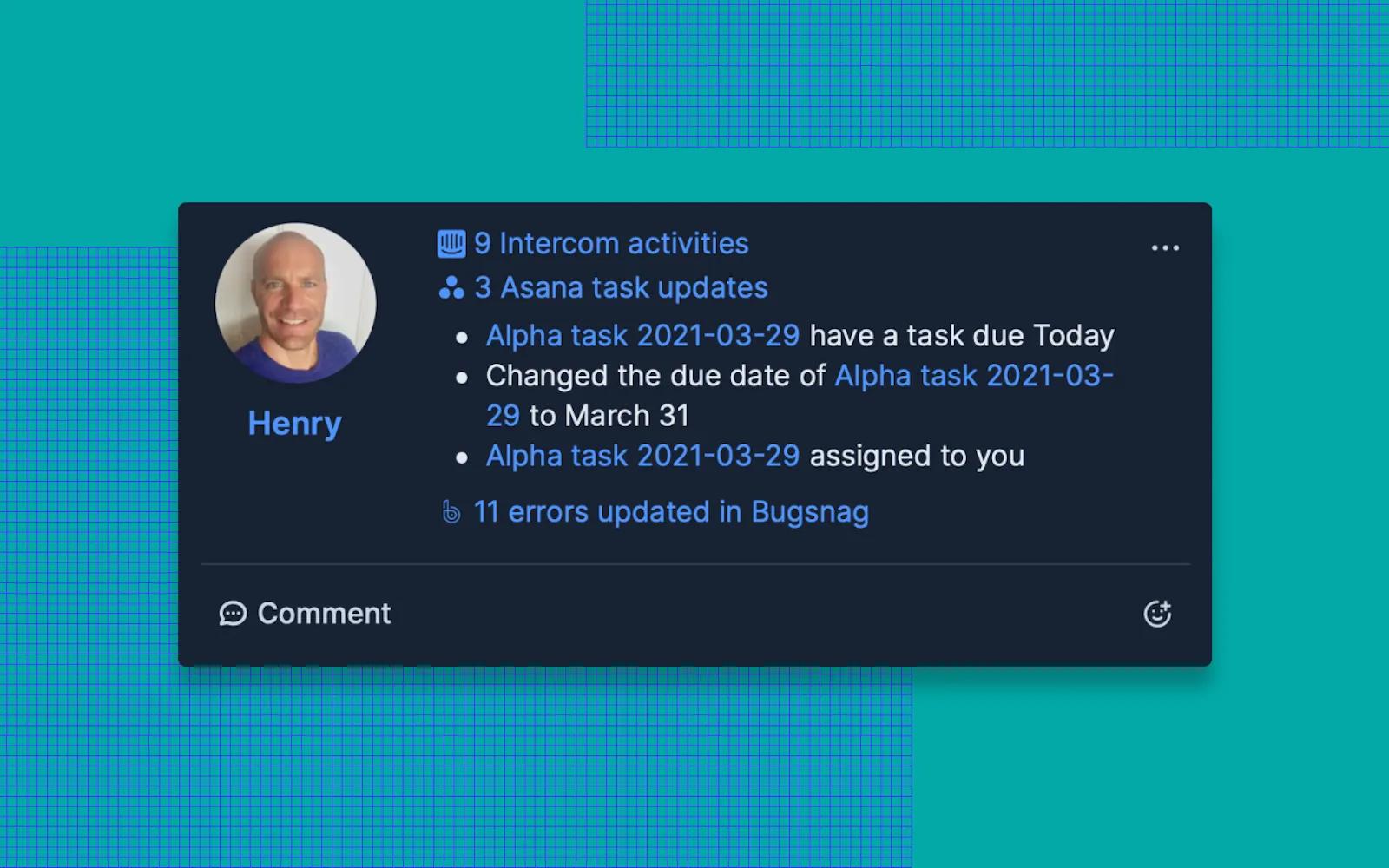
Connect Asana and Steady to eliminate manual task reporting by syncing Asana activity into Steady's automated check-ins, goal updates, and AI-generated team summaries.
What is Steady?
Steady is the zero-effort coordination platform for running high-performance teams. It distills plans & progress from tools, teams and people into hyper-personalized digests that keep everyone in sync.
Knowledge work is broken. Most people spend more time on coordination overhead than actual work—critical context is locked in people's heads and scattered across tools. This leaves people drained, demoralized, and busy-but-behind.
Steady solves team coordination automatically.
We augment human insight with AI and hard data to keep teams fully aligned and informed, automatically. Complete context, in minutes a day. Instead of adding more meetings or tools, Steady creates an async coordination layer that connects your existing work. Through Smart Check-ins, Echoes (AI agents), Goal Stories, and your Daily Digest, every team member gets exactly the context they need, when they need it, without the overhead.
How it works:
- People share plans, progress, and blockers by responding to regularly scheduled prompts.
- Steady automatically adds relevant context from integrated tools (GitHub, Jira, Zoom, etc.).
- Updates & activity get distilled into personalized, AI-enhanced feeds.
How to connect Steady + Asana?
Getting started with Steady and Asana is quick and easy. Follow these simple steps:
- In your Steady account, visit the Account - Integrations page. Open the Asana panel and click the "Connect Asana" button. You'll be prompted to authorize the integration by Asana.
- Once connected, select the Asana projects you'd like to include, and save.
That's it! When someone from your team adds, updates, or completes a task in the selected project(s), Steady will add the activity to their check-in.
A free trial can be set up here. See documentation for additional details.
Make sure the name of the user in Steady matches the name of the user in Asana.
Learn more and get support
To learn more about using the Steady + Asana integration, visit Steady.
If you have questions, feedback, or need support, visit the Steady support page.
Asana does not endorse or certify apps built by third-party developers. If you encounter inappropriate content or behavior, please report it here. Otherwise, please contact the app developer for support.
Collaborate effortlessly with Asana
From the small stuff to the big picture, Asana organizes work so teams know what to do, why it matters, and how to get it done. It's free to get started, simple to use, and powerful enough to run your entire business. Learn more about Asana today.