Asana acquires StackAI — now every human-agent workflow runs in one place.Learn more

Hivo + Asana
Browse, attach, and manage Hivo assets without leaving Asana
What is Hivo?
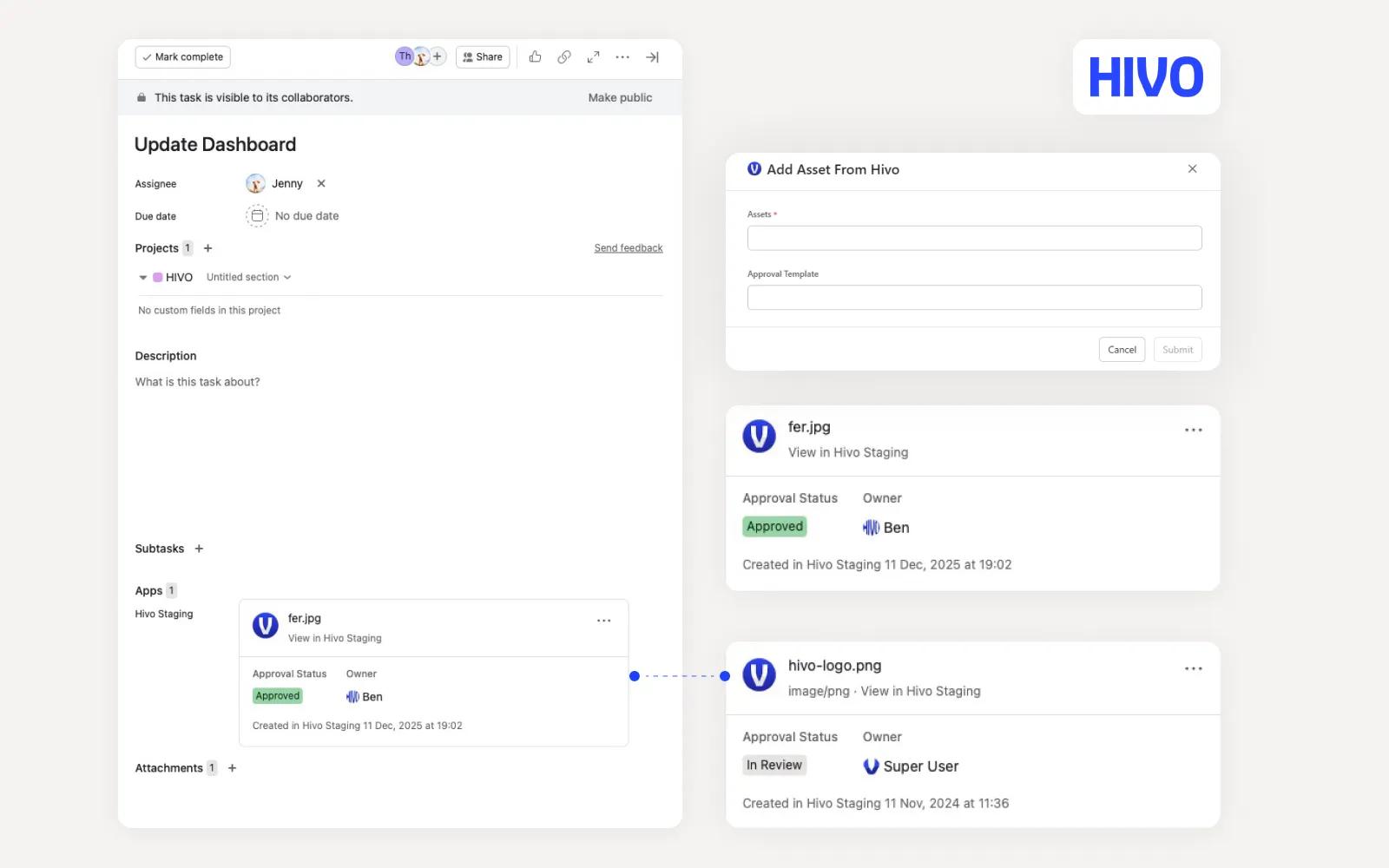
Hivo for Asana seamlessly integrates your Hivo digital asset management system with Asana, allowing teams to access, attach, and manage assets directly within their tasks. Streamline workflows, improve collaboration, and keep all your creative resources organized in one place.
How to connect Hivo + Asana?
Prerequisites
- A valid Hivo account.
- At least one asset uploaded to Hivo.
- Access to an Asana workspace/project where apps can be used.
How to Use Hivo in Asana
- Sign in to Asana: Log in to your Asana account and open any project or task.
- Open the Hivo app: Launch the Hivo app from the Asana Apps panel.
- Sign in to Hivo: When prompted, sign in with your Hivo account.
- Select Assets and an Approval Flow: In the dialog widget, there are two input fields:
- Asset – Search for and select a Hivo asset by name.
- Approval Flow – Select an approval flow or template, if required.
Learn more and get support
To learn more about using the Hivo + Asana integration, visit Hivo website.
If you have questions, feedback, or need support, visit the Hivo support page.
Asana does not endorse or certify apps built by third-party developers. If you encounter inappropriate content or behavior, please report it here. Otherwise, please contact the app developer for support.
Collaborate effortlessly with Asana
From the small stuff to the big picture, Asana organizes work so teams know what to do, why it matters, and how to get it done. It's free to get started, simple to use, and powerful enough to run your entire business. Learn more about Asana today.